
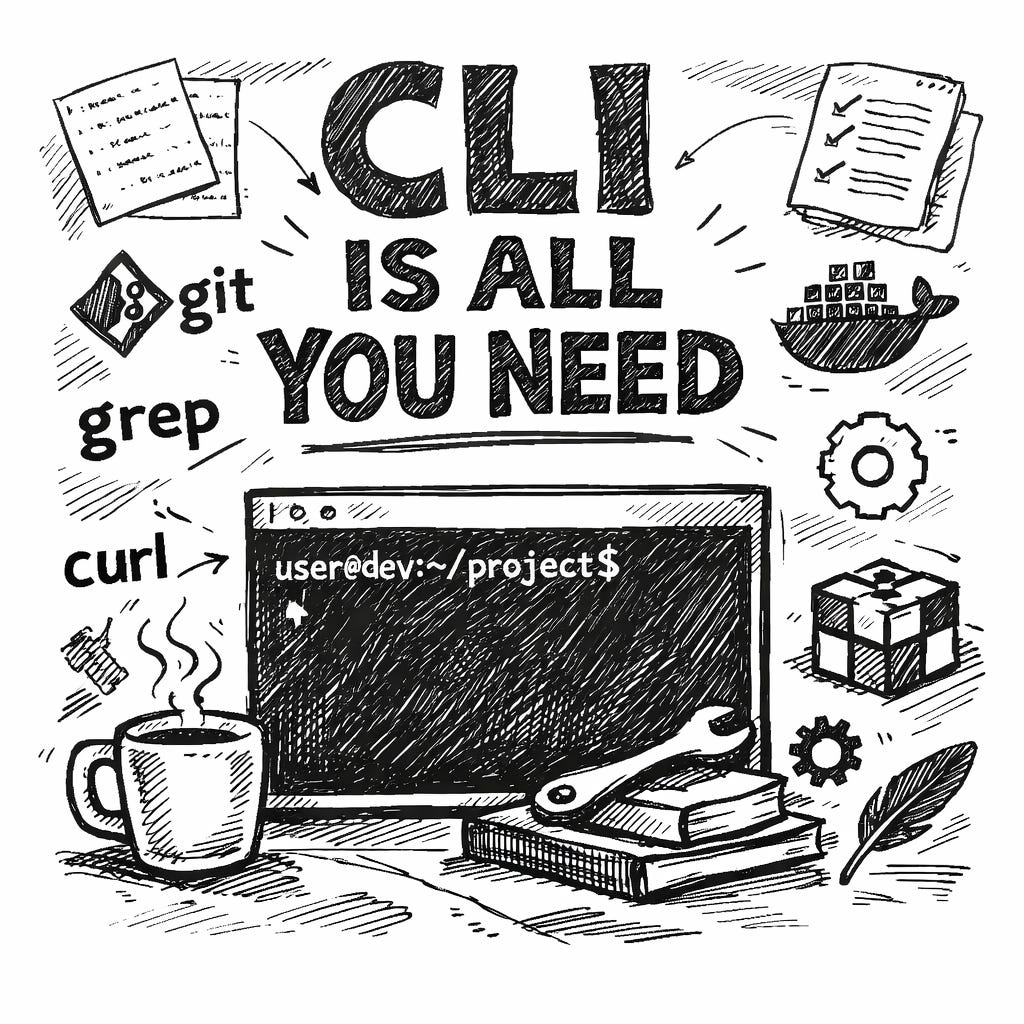
CLI Is All You Need
The MCP hype is over.

What looked like the future of agent tooling is a standardized, structured tool servers for AI agents turned out to be overkill for most real coding work.
In 2026, the developers shipping the fastest and cleanest are back where they started: the terminal.
They give their agents direct shell access and let them use the tools that have existed for decades:
git, rg, grep, npm, docker, curl, jq, tail.No custom servers.
No massive schema descriptions bloating the context window.
Just a strong reasoning model + bash/zsh.
And suddenly, agentic coding actually feels magical.
Why MCP lost its shine for everyday development
For typical development workflows, MCP often adds friction instead of leverage:
Token overhead: Verbose tool catalogs and schemas consume precious context.
Reinventing the wheel: Custom MCP servers frequently duplicate what official CLIs already do, more reliably.
Poor composability: You lose the natural piping, chaining, and one-off hacks that Unix perfected decades ago.
Model alignment: Frontier models (Claude, GPT variants, Gemini) were trained extensively on shell usage. They understand flags, pipes, errors, and man-page style docs absurdly well.
The sweet spot is simple:
Drop the agent into your project directory, grant shell execution (with safeguards), and describe the task.
The agent plans, runs commands, edits files, runs tests, commits, debugs, and iterates in a tight loop.
MCP still has value for highly structured enterprise integrations—think type-safe SaaS APIs in regulated environments. But for 80–90% of everyday workflows, it’s noise.
The CLI-Native coding agents leading the pack
Claude Code (Anthropic)
Still the leader for deep reasoning across large or complex codebases. Excellent for architectural discussions, careful refactors, and multi-file changes with thoughtful explanations. Native terminal workflow with file edits, shell access, and git integration. Pay-per-use, but worth it for hard problems.
Codex CLI (OpenAI)
Lightweight, fast, and direct access to powerful OpenAI models. Great for generation, testing, and quick iteration. Open-source roots make it easy to tweak or run locally.
Gemini CLI (Google)
Free tier and strong multimodal capabilities. Excels at rapid prototyping, UI tasks, and large projects. Terminal-first with clean ReAct-style loops. Open-source and privacy-friendly.
OpenCode
Multi-model flexibility (75+ providers), LSP integration, and a strong privacy focus. Many developers call it the most productive terminal agent right now. Rapidly growing community.
Where CLI absolutely rushes MCP setups
Monorepo-Wide Refactor
The agent starts with:
rg "oldDeprecatedFunction" .It plans targeted edits across files, applies changes, reviews with git diff, runs npm test or cargo test, and commits:
refactor: remove deprecated API calls
No GitHub MCP server. No bloated context. Just rg, git, and the test runner.
Full-Stack Debugging on a Production Bug
Instruction: “Reproduce the auth failure in staging.”
The agent runs:
git pull
npm install
npm run dev
tail -f logs/server.log | grep error
curl -v api/auth/check
docker-compose up -d db redis
npm test -- --grep auth
It iterates by editing files, rerunning tests, and probing endpoints.
No Docker MCP. No logging MCP. Just shell fluency.
Scaffolding a New Microservice
Instruction: “Build a Rust API for user profiles with Postgres using Axum + sqlx.”
The agent:
cargo new --bin user-service
cargo add axum sqlx --features postgres
cargo watch -x run
curl localhost:3000/health
Commits along the way. No Rust MCP. No database MCP. The existing toolchain is enough.
CI/CD Flake Fixing
The agent clones the repo, runs workflows locally with act, spots failures, edits .github/workflows/ci.yml or the Dockerfile, validates with docker build, pushes a branch, and opens a PR with gh.
All standard CLI tools. No bespoke CI integration layer.
A Pattern Developers Keep Reporting
Teams that lean into CLI-native agents consistently report:
Higher velocity
Fewer token surprises
More transparent agent behavior
Easier debugging of what the agent is doing
Quotes circulating lately:
“Stop building integrations. Build CLIs.”
“Bash is the ultimate MCP.”
“Agents were trained on Unix pipes—they’re ridiculously good at it.”
“CLI is all you need. Everything else is ceremony.”
The Terminal Was Always the Universal Dev Environment
In 2026, it’s also the most powerful interface for AI coding agents.
Unless you’re deep inside proprietary enterprise tooling, skip the heavy MCP stack.
cd into your project.
Launch your favorite CLI agent.
Give it shell access.
Describe the task.
And watch it work.
This echoes how I feel about local tooling too. The best tools are the ones that already exist in the terminal. Mole is a good example on the maintenance side. Six shell commands that replace four paid Mac apps. No GUI, no subscription, just brew install mole and go. Wrote about it here: https://reading.sh/the-best-mac-cleaner-costs-nothing-and-lives-in-your-terminal-43fe1e5245e3?sk=9920cc175ebaaf5e9ef1ffd9c32b4a31